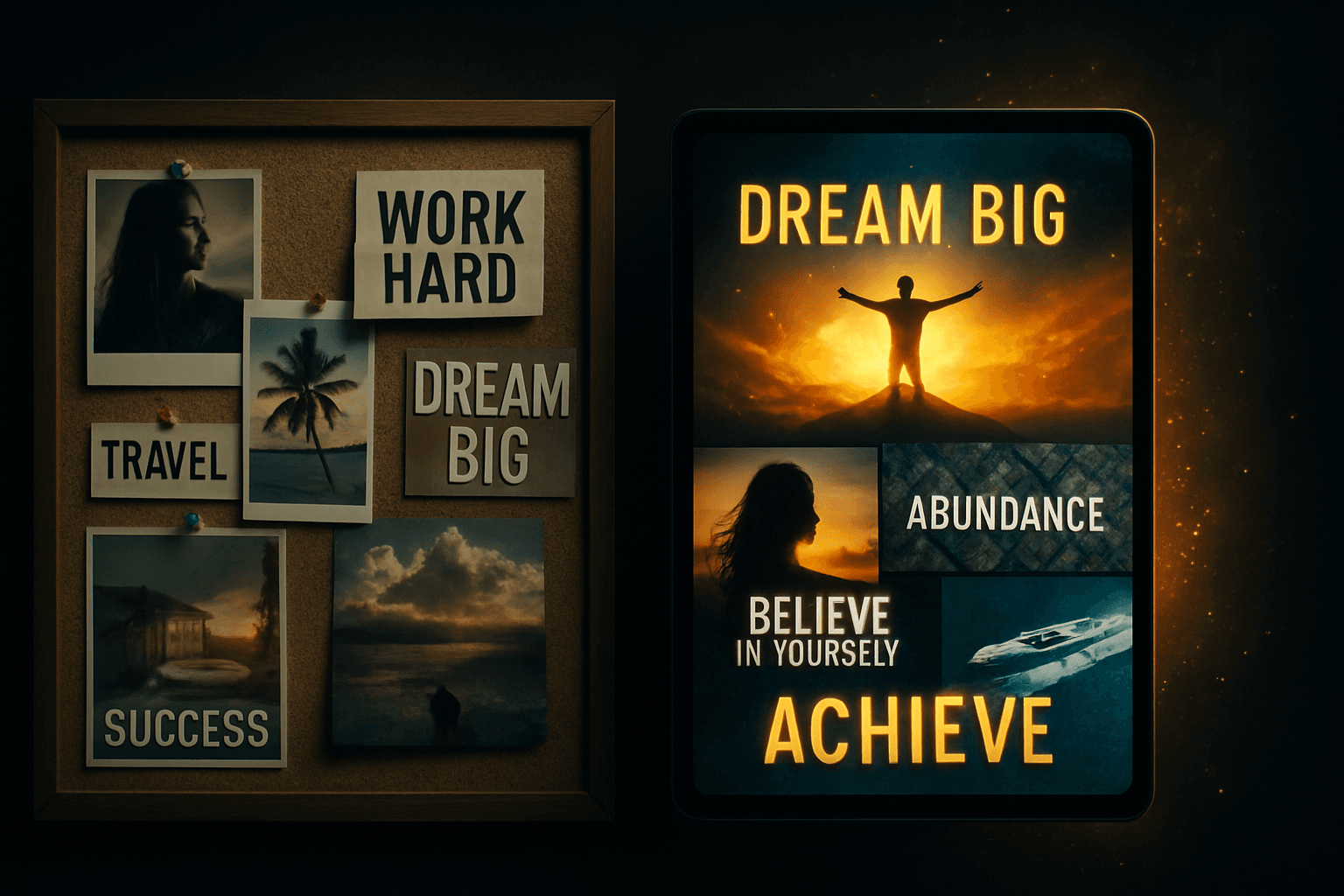
A vision board video is a short, personalized video that combines images of your goals, spoken affirmations, and music into a daily visualization experience. With AI tools, you can make one for free in minutes - no design skills or video editing required.
What Is a Vision Board Video?
A vision board video - sometimes called a mind movie - takes the concept of a traditional vision board and turns it into a cinematic experience. Instead of a static collage of images, you get a 3-5 minute video with:
- Moving visuals that represent your goals and ideal life
- Personalized affirmations displayed as text overlays
- Voice narration that speaks your affirmations aloud
- Background music that sets the emotional tone
The result is something you press play on every morning - a daily ritual that goes far deeper than glancing at a poster on your wall.
Why Video Beats a Static Vision Board
Traditional vision boards work - but they have a consistency problem. Most people create them with enthusiasm, hang them up, and stop actively engaging with them within a week.
Video solves this in three ways:
- It creates a daily habit. Pressing play on a 3-minute video is easier to build into a morning routine than staring at a wall collage.
- It engages more senses. Hearing your affirmations spoken while watching matching imagery creates a richer subconscious imprint than reading text alone. See how to reprogram your subconscious mind.
- It triggers emotion. Music paired with visuals creates an emotional state that static images rarely achieve - and emotion is the fuel of manifestation.
Method 1: Make a Vision Board Video with AI (Fastest)
The fastest way to create a vision board video is with an AI tool like ManifestVision. The entire process takes minutes, not hours.
Step 1: Describe your goals
Type a few sentences about what you want to manifest. Be specific - "I want to earn $150,000 this year while working from home" gives AI more to work with than "I want money." You can describe goals across multiple areas: career, relationships, health, self-image.
Step 2: Let AI generate everything
ManifestVision's AI takes your description and creates:
- 8-12 personalized affirmations in present tense
- Matching AI-generated images for each affirmation
- Voice narration in your choice of AI voice
- Background music matched to your selected mood
No design work. No writing affirmations from scratch. No recording audio. The AI handles all of it.
Step 3: Preview, edit, and save
Watch your generated video. If any affirmation doesn't resonate, edit the text directly. Pro users can also upload their own photos for specific slides or remix individual images with AI.
Make Your Vision Board Video Now
Describe your goals, pick a mood, and AI creates your vision board video in minutes. Free, no credit card required.
Create My Video FreeMethod 2: Make a Vision Board Video Manually
If you prefer full creative control, you can make a vision board video using a video editor. This takes longer but lets you choose every image and word yourself.
Tools you can use
- Canva - Drag-and-drop video editor with templates (free tier available)
- iMovie / CapCut - Mobile-friendly video editing apps
- Google Slides + screen recording - Simple but effective workaround
Manual process
- Write your affirmations. Create 8-12 statements in first person, present tense. See our guide on how to write powerful affirmations.
- Find images. Search Unsplash, Pexels, or Pinterest for images that match each affirmation. Download at least one per statement.
- Create slides. Place each image as a background with your affirmation text overlaid. Set each slide to display for 10-15 seconds.
- Add music. Choose a royalty-free track that matches the emotional tone of your goals. Layer it under your slides.
- Record narration (optional). Record yourself reading each affirmation aloud, or use a text-to-speech tool. Time each recording to its matching slide.
- Export and save. Export as MP4. Save it to your phone so you can watch it anywhere.
Expect this process to take 2-5 hours for your first video. The AI method above produces comparable results in minutes.
AI vs Manual: Quick Comparison
| Factor | AI (ManifestVision) | Manual (Canva/iMovie) |
|---|---|---|
| Time to create | Under 5 minutes | 2-5 hours |
| Design skills needed | None | Basic video editing |
| Affirmation writing | AI-generated + editable | You write them |
| Voice narration | Included (AI voices) | Record yourself or use TTS |
| Image quality | AI-generated, unique | Stock photos (shared) |
| Music | Curated tracks included | Find royalty-free tracks |
| Creative control | Moderate (edit text, swap images) | Full control |
| Listen with the screen off | Built in, free: every video plays as audio | Export and find your own player |
| Cost | Free (3/month) or $7.99/mo | Free or $13/mo (Canva Pro) |
What to Include in Your Vision Board Video
Whether you use AI or manual tools, your vision board video should include:
- Specific, present-tense affirmations."I am earning $150,000 this year" not "I want to earn more money." See positive affirmations for examples.
- Images that trigger emotion. The goal is to feel the reality of your vision, not just see it. Choose images that give you a physical sense of excitement, peace, or gratitude.
- Music that matches your desired emotional state. Calming music for peace and healing goals. Uplifting music for career and abundance goals.
- 3-5 life areas maximum. Spreading across too many goals dilutes focus. Pick your top priorities: money, love, health, career, or personal growth.
How to Use Your Vision Board Video Daily
Creating the video is only step one. The real power comes from consistent daily viewing.
- Watch every morning. Pair it with your morning routine - after waking up, before checking your phone.
- Feel, do not just watch. Close your eyes after each affirmation and imagine yourself living that reality. Engage your emotions.
- Watch before sleep (optional). Your subconscious is most receptive during the transition to sleep. See manifesting while sleeping.
- Commit to 21 days minimum. It takes roughly three weeks to build a habit. Watch daily for 21 days before deciding whether it is working. See how to stay consistent.
Common Mistakes to Avoid
- Being too vague."I am happy" is less effective than "I wake up every morning feeling grateful and excited about my work."
- Including too many goals. A focused 3-minute video around 3-5 goals is more powerful than a scattered 10-minute video covering everything.
- Making it once and never updating. As your goals evolve, create new videos. Your vision board video should always reflect where you are heading next.
- Watching passively. Do not treat it as background noise. Give it your full attention for 3-5 minutes. Engage emotionally with each affirmation.
Your Vision Board Video, Ready in Minutes
Describe your dream life. AI generates the affirmations, images, narration, and music. Free to try, no account required.
Create My Vision Board VideoFrequently Asked Questions
- What is a vision board video?
- A vision board video - also called a mind movie - is a short video that combines images of your goals, positive affirmations, voice narration, and music into a 3-5 minute experience you watch daily. It is a dynamic version of a traditional vision board that engages sight, sound, and emotion simultaneously.
- How long does it take to make a vision board video?
- With AI tools like ManifestVision, you can create a complete vision board video in under 5 minutes. You describe your goals, and AI generates personalized affirmations, matching images, narration, and music automatically. Manual methods using video editors like Canva or iMovie typically take 2-5 hours.
- Can I make a vision board video for free?
- Yes. ManifestVision lets you create AI-powered vision board videos for free with no credit card required. Your daily practice is free forever: rewatching is never capped, and free users get 3 new videos per month. Other free options include Canva's free tier (manual editing), or basic slideshow apps, though these require significantly more time and effort.
- Is a vision board video more effective than a regular vision board?
- Research on multi-sensory engagement suggests yes. A vision board video combines moving images, spoken affirmations, and music, which activates visual, auditory, and emotional processing simultaneously. Studies show multi-sensory stimuli create stronger neural responses than single-sense input, making the experience more impactful for subconscious reprogramming.
- What should I include in my vision board video?
- Include affirmations written in present tense about your specific goals, images that represent your desired life, calming or uplifting background music, and optionally voice narration of your affirmations. The best vision board videos are personal, emotionally resonant, and watched consistently - ideally as part of a morning or bedtime routine.
- How often should I watch my vision board video?
- Daily viewing produces the best results. Most practitioners watch their vision board video once during their morning routine and optionally once before bed. Consistency matters more than frequency - watching once daily for 30 days is more effective than watching five times on one day and then forgetting about it.